
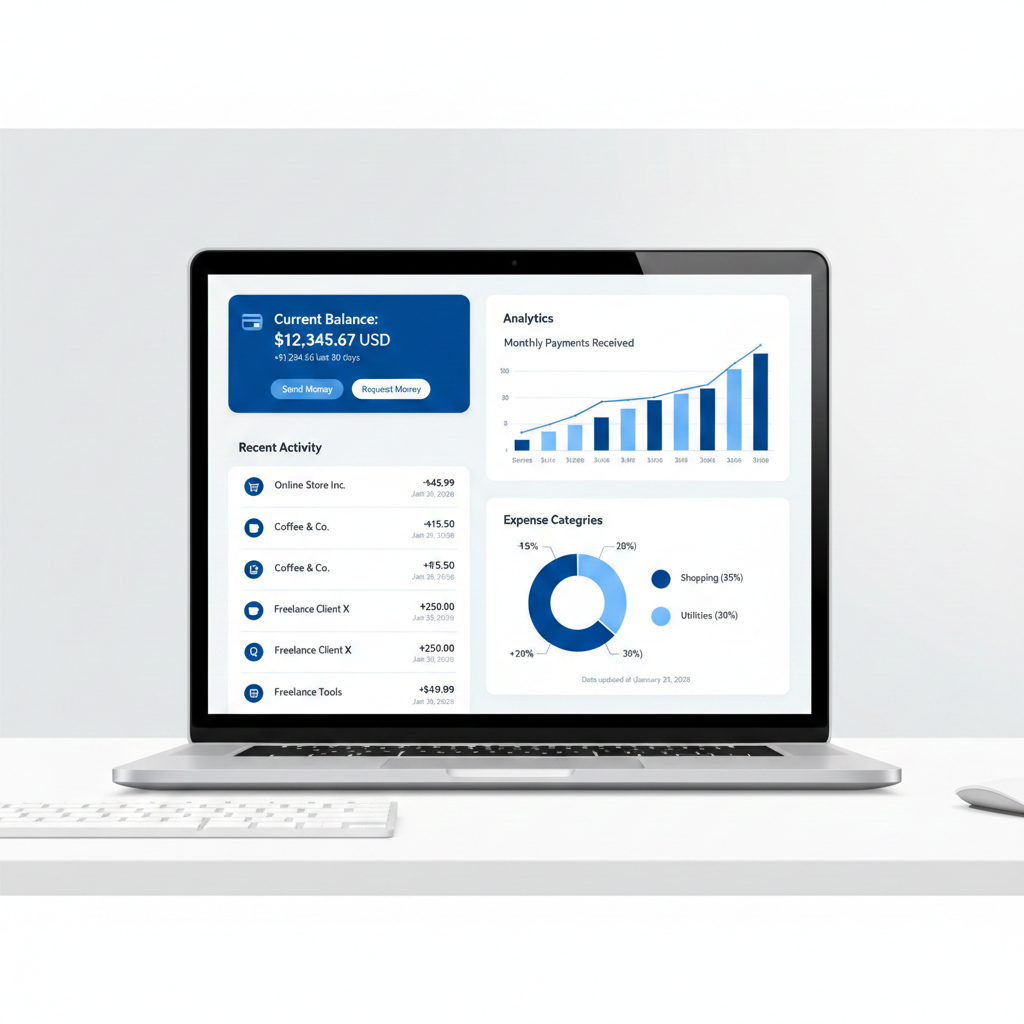
PayPal Dashboard is the control center of your PayPal account, allowing you to track payments, monitor balances, manage disputes, and fix account issues quickly. If you are an online seller or freelancer, understanding how the PayPal dashboard works can help you avoid payment holds, limitations, and delays.
Managing online payments efficiently is critical for any digital business. One of the most powerful tools PayPal offers sellers is its dashboard, which allows you to monitor transactions, manage disputes, verify account status, and maintain financial control in one place. In this guide, we’ll explain the PayPal dashboard features, how to use them effectively, and how sellers can avoid common payment issues.
What Is the PayPal Dashboard?
The PayPal dashboard is the central control panel of your PayPal account. From here, users can:
- View incoming and outgoing payments
- Check account balance and currency breakdown
- Monitor payment holds and limitations
- Resolve disputes and chargebacks
- Access reports, invoices, and transaction history
For online sellers, freelancers, and eCommerce store owners, the dashboard provides real-time visibility into cash flow and account health.
How to Track Payments Using the PayPal Dashboard
1. Account Balance Overview
At the top of the PayPal dashboard, you’ll see your available balance, pending funds, and held amounts. This section helps sellers understand:
- Which payments are ready to withdraw
- Which funds are temporarily on hold
- Currency balances for international transactions
💡 Tip: Payment holds are common for new sellers or high-risk transactions and usually clear after order confirmation or delivery proof.
2. Transaction Activity & Payment History
The Activity section displays a complete log of all PayPal transactions, including:
- Customer payments
- Refunds and reversals
- Fees charged by PayPal
- Withdrawals to bank accounts
Each transaction includes a unique ID, date, status, and buyer information. This is essential for bookkeeping, dispute resolution, and tax reporting.
3. Payment Holds, Limitations, and Alerts
If PayPal detects unusual activity, your dashboard may show alerts such as:
- Payment holds
- Account limitations
- Verification requests
These alerts should be handled quickly to avoid delayed withdrawals. Sellers are often asked to confirm identity, upload documents, or provide order fulfillment details.
🔗 External resource: You can learn more about PayPal limitations directly from PayPal’s Help Center.
4. Disputes, Claims, and Chargebacks
The Resolution Center inside the PayPal dashboard allows sellers to:
- Respond to buyer disputes
- Upload tracking numbers or invoices
- Communicate with customers
- Track dispute deadlines
Handling disputes professionally and on time significantly increases the chance of winning a case and protecting your PayPal account.
How Sellers Can Optimize PayPal Dashboard Usage
Keep Your Account Fully Verified
A fully verified PayPal account reduces the risk of limitations. Make sure you:
- Confirm your email and phone number
- Link and verify your bank account
- Submit identity documents when requested
This improves trust and speeds up payment availability.
Monitor Payments Daily
Checking your dashboard daily helps you:
- Detect unauthorized transactions early
- Respond quickly to disputes
- Track pending payments before they expire
Consistent monitoring is especially important for high-volume sellers.
Use Reports for Business Tracking
PayPal allows you to generate financial reports directly from the dashboard. These reports help with:
- Monthly income tracking
- Expense analysis
- Accounting and tax preparation
You can export reports in CSV or PDF formats for easy record-keeping.
Common PayPal Dashboard Issues (and Solutions)
| Issue | Solution |
|---|---|
| Payment on hold | Add tracking info or wait 21 days |
| Account limited | Upload requested documents |
| Balance not updating | Refresh activity or contact support |
| Withdrawal failed | Verify bank details |
Why Understanding the PayPal Dashboard Matters
Whether you run an online store, freelance globally, or manage digital services, understanding the PayPal dashboard gives you:
- Better financial control
- Faster issue resolution
- Improved account stability
- Higher trust with customers
When used correctly, PayPal becomes more than a payment processor — it becomes a business management tool.
Final Thoughts
The PayPal dashboard is designed to help sellers stay informed, secure, and in control of their money. By understanding its features and responding quickly to alerts, you can avoid common issues like payment holds and account limitations while keeping your cash flow smooth.
If you already use PayPal for online payments, mastering the dashboard is one of the smartest steps you can take to grow your business confidently.
👉 “If your account is limited, read our guide on how to fix PayPal account limitations.”