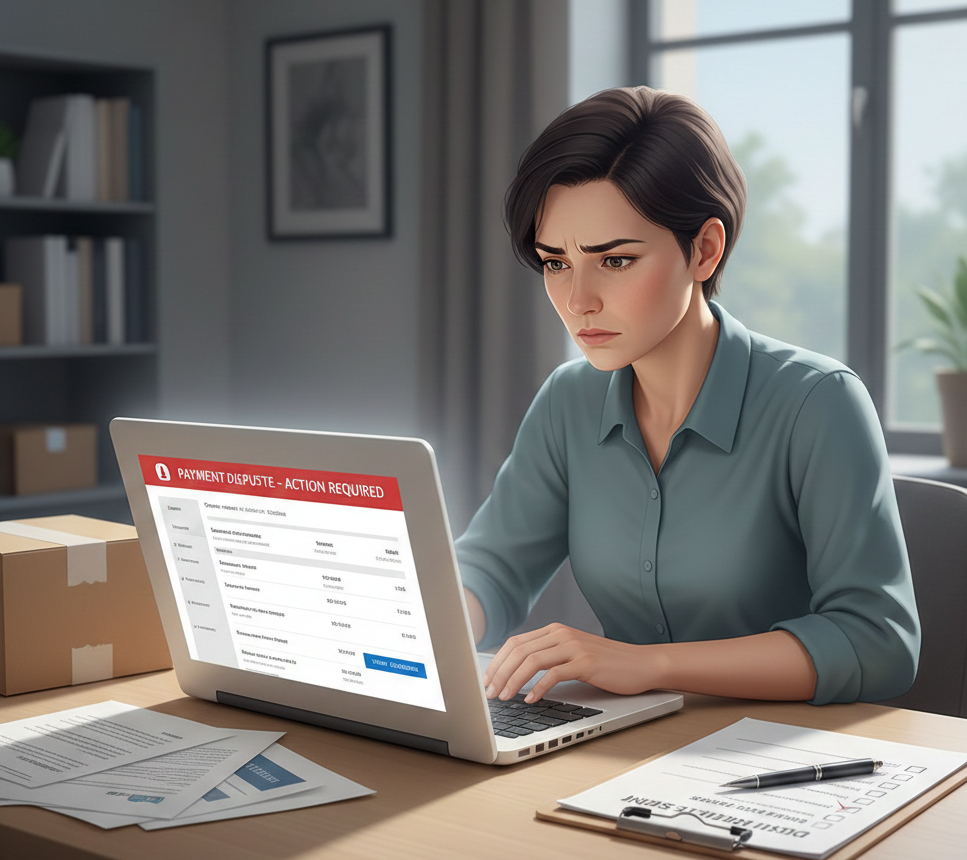
PayPal Dispute Opened: What It Means
Seeing a PayPal dispute opened notification can be stressful, especially if funds are suddenly unavailable. A PayPal dispute happens when a buyer reports a problem with a transaction, such as an unauthorized payment, item not received, or item not as described.
PayPal uses disputes to protect both buyers and sellers. However, if you don’t respond correctly or on time, you may lose the case and the payment. This guide explains the PayPal dispute process and shows you 9 smart steps to win and recover your money.
Why Is a PayPal Dispute Opened?
A PayPal dispute opened message usually appears for one of these reasons:
- Buyer claims they didn’t receive the item
- Buyer says the item is significantly not as described
- Unauthorized transaction claim
- Duplicate or incorrect charge
- Buyer confusion about billing or delivery time
Disputes often happen when expectations are unclear or communication breaks down.
What Happens When a PayPal Dispute Is Opened?
When a dispute is opened:
- The disputed amount may be temporarily held
- PayPal notifies both buyer and seller
- You’re given time to respond through the Resolution Center
- The dispute may escalate to a claim if unresolved
If ignored, PayPal may automatically decide in favor of the buyer. This can also increase the risk of PayPal account limitation later.
9 Smart Steps to Resolve a PayPal Dispute Opened
1. Open the Resolution Center Immediately
Log in to PayPal and go to the Resolution Center. Read the dispute details carefully to understand the buyer’s claim.
2. Respond Before the Deadline
Each PayPal dispute opened case has a response deadline. Missing it almost always results in a loss.
3. Communicate Politely With the Buyer
Sometimes disputes are misunderstandings. Clear communication can resolve the issue without escalation.
4. Provide Proof of Fulfillment
Upload tracking numbers, delivery confirmation, or screenshots. This is crucial for “item not received” disputes.
For detailed guidance, see our article on PayPal proof of fulfillment.
5. Submit Clear Evidence
Include invoices, order details, shipping address, and communication history. Strong evidence improves your chances.
6. Understand the Difference Between Dispute and Chargeback
A dispute stays within PayPal, while a chargeback is filed through the buyer’s bank. Chargebacks are harder to win and may include extra fees.
7. Escalate Only When Necessary
If you can’t reach an agreement, escalate the dispute to PayPal for review. Only escalate if your evidence is strong.
8. Keep Your Account Information Updated
Incomplete or outdated details may weaken your case and lead to further PayPal verification required notices.
9. Learn From the Dispute
Review why the dispute happened and improve descriptions, delivery timelines, and communication to avoid future disputes.
How Long Does PayPal Dispute Resolution Take?
Most disputes are resolved within 7–20 days. If escalated to a claim, PayPal may take longer depending on evidence review.
FAQ – PayPal Dispute Opened
Q: What should I do first when a PayPal dispute is opened?
A: Go to the Resolution Center immediately and review the claim details before responding.
Q: Can I win a PayPal dispute as a seller?
A: Yes. Sellers often win if they provide valid tracking, proof of delivery, and accurate transaction details.
Q: Does a PayPal dispute affect my account?
A: Too many disputes can increase the risk of account limitations or payment holds.
External Resource
For official rules and timelines, review the PayPal Dispute Resolution Guidelines on the PayPal Help Center:
https://www.paypal.com/smarthelp
Final Thoughts
A PayPal dispute opened notice doesn’t mean you’ll lose your money. By responding quickly, submitting strong evidence, and following PayPal’s process carefully, you can successfully resolve disputes and protect your account.
Handling disputes professionally also reduces the risk of payment holds, chargebacks, and long-term account issues.