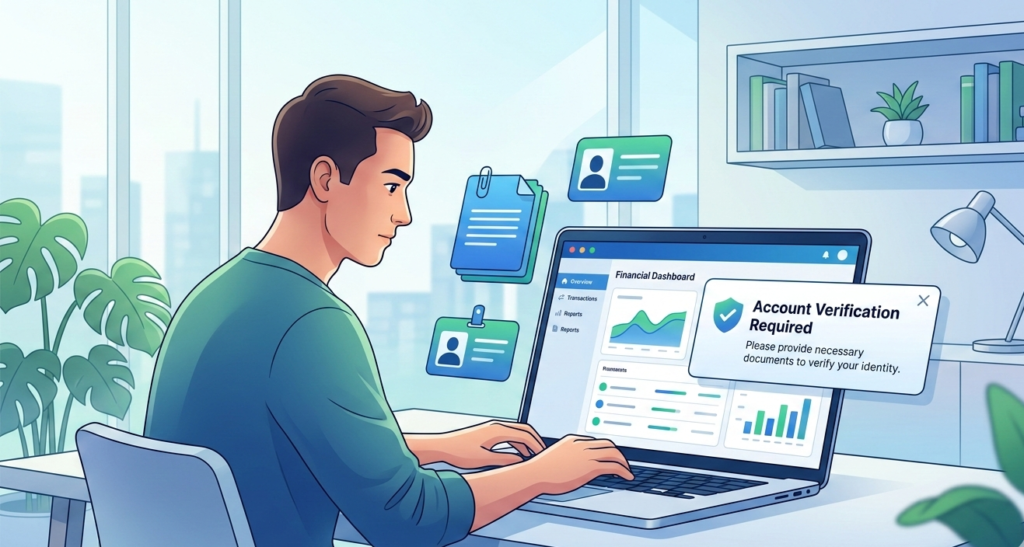
Many users depend on Payoneer to receive international payments. Freelancers, sellers, and remote workers use it every day. But some users face Payoneer account verification problems when they try to activate their account.
Verification is an important step. It helps protect the platform and confirm the user’s identity. When verification fails, users cannot receive payments or withdraw money.
The good news is simple. Most Payoneer verification failed issues happen because of small mistakes. These problems are easy to fix once you understand the cause.
This guide explains the most common verification issues and how to solve them quickly.
Why Payoneer Requires Verification?
Payment platforms must follow financial rules. These rules help stop fraud and money laundering.
Because of these rules, Payoneer requires users to verify their identity.
Verification usually includes:
- Identity document
- Address proof
- Bank account confirmation
These steps confirm that the account owner is real.
You can read Payoneer official verification guide.
Common Payoneer Verification Problems:
Several issues can cause verification delays.
Common examples include:
- Blurry identity documents
- Incorrect personal details
- Expired identification
- Address document mismatch
- Unsupported file formats
Most Payoneer account verification problems happen because documents do not meet the platform’s requirements.
7 Proven Fixes That Work:
Follow these steps to solve Payoneer verification failed issues.
1 Upload Clear Identity Documents
Payoneer requires clear identity documents.
Accepted documents usually include:
- Passport
- National ID card
- Driver license
The photo must be clear and readable. The document must not be cut or cropped.
Blurry photos are one of the most common causes of verification problems.
2 Make Sure Your Name Matches
Your Payoneer account name must match your identity document.
Even small differences can cause verification failure.
For example:
Incorrect example
John A Smith
Correct example
John Andrew Smith
Always use your legal name.
3 Submit Valid Address Proof
Payoneer often asks for address confirmation.
Accepted documents usually include:
- Utility bill
- Bank statement
- Government letter
The document must show:
- Your full name
- Your address
- A recent date
Most platforms require documents issued within the last three months.
4 Check File Format and Size
Uploading the wrong file format can block verification.
Common accepted formats include:
- JPG
- PNG
Large files may also cause upload errors.
If the upload fails, reduce the file size before submitting again.
5 Verify Your Bank Account
Payoneer may ask you to confirm your bank account.
Make sure the bank details match your Payoneer profile.
Incorrect bank information can delay the verification process.
6 Wait for the Review Process
Verification reviews take time.
Most reviews finish within 24 to 72 hours.
During busy periods, reviews may take longer.
Avoid submitting multiple documents unless Payoneer requests them.
7 Contact Payoneer Support
If Payoneer account verification problems continue, contact support.
Provide:
- Account email
- Verification request details
- Uploaded document information
Support agents can review the account and explain what needs correction.
Tips to Avoid Verification Problems:
You can prevent most verification issues by following simple steps.
✔ Use a clear camera when taking photos
✔ Upload full documents without cropping
✔ Use the same name across all documents
✔ Check document expiration dates
✔ Submit recent address proof
Following these steps reduces the chance of Payoneer verification failed errors.
Difference Between Verification and Account Approval:
Many users confuse these two steps.
Verification
Confirms identity and personal details.
Account approval
Confirms the account is ready to receive payments.
Once both steps finish, the account becomes fully active.
Related Payment Platform Problems:
Users who work online often use several payment platforms.
If you also use PayPal, you may find this guide helpful:
👉 PayPal Payment Pending? 7 Proven Fixes to Get Paid Fast
Understanding multiple payment systems helps avoid delays when receiving money online.
Final Thoughts:
Facing Payoneer account verification problems can delay your payments and create stress. However, most issues come from simple document mistakes or incorrect details.
The solution is clear.
Upload clear documents. Use matching names. Provide valid address proof. Confirm your bank details.
Once Payoneer approves your documents, your account will be ready to receive international payments without restrictions.