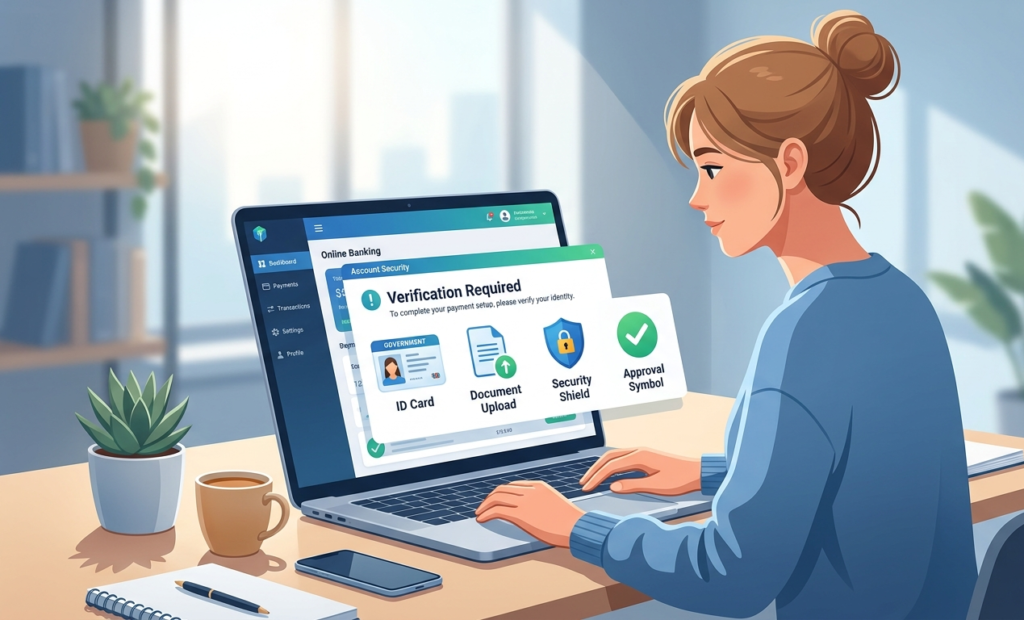
Many people use Wise to send and receive money across countries. Freelancers, remote workers, and online sellers depend on the platform every day. However, some users face Wise account verification issues when they try to activate their account.
Verification is a key step before you can use many features. Without it, you may not be able to send money, receive payments, or withdraw funds.
This problem can feel stressful. The good news is simple. Most Wise verification failed problems have clear causes and easy fixes.
This guide explains why verification fails and how to solve the issue quickly.
Why Wise Requires Account Verification:
Why Wise Requires Account Verification
Financial platforms must follow strict international rules. These rules help prevent fraud and illegal financial activity.
Because of this, Wise requires users to verify their identity.
Verification usually includes:
- Identity confirmation
- Address verification
- Sometimes a selfie check
These steps confirm that the account owner is real.
You can read the official Wise guide here.
It will explains the full verification process.
Common Wise Verification Problems:
Many users face Wise account verification issues because of small mistakes. Most of these problems happen during document submission.
Common causes include:
- Blurry identity photos
- Expired documents
- Name mismatch
- Incorrect address proof
- Poor lighting in photos
When these problems happen, the system may show a Wise verification failed message.
7 Proven Fixes That Work:
Follow these steps to solve Wise verification problems.
1 Upload Clear Identity Documents
Wise requires a clear photo of your identity document.
Accepted documents often include:
- Passport
- National ID card
- Driver license
The entire document must be visible. All text must be readable.
Avoid shadows and reflections in the photo.
2 Check Your Personal Information
Your Wise profile must match your identity document.
Make sure the following details are correct:
- Full legal name
- Date of birth
- Country of residence
Even a small difference can cause Wise verification failed errors.
3 Submit Valid Address Proof
Wise sometimes asks for address verification.
Accepted documents may include:
- Utility bill
- Bank statement
- Government letter
The document must show:
- Your full name
- Your address
- A recent issue date
Most platforms require documents issued within the last three months.
4 Improve Photo Quality
Poor image quality often causes Wise account verification issues.
Follow these simple rules when taking photos:
✔ Use good lighting
✔ Place the document on a flat surface
✔ Avoid blurry images
✔ Use a high-quality camera
Clear photos help the system verify your documents quickly.
5 Complete the Selfie Verification
Some accounts require a selfie verification step.
This step confirms that the person using the account matches the identity document.
Make sure:
- Your face is visible
- Lighting is good
- The camera is stable
If the selfie fails, try again in a brighter place.
6 Wait for the Review Process
After submitting documents, Wise reviews the information.
Most reviews finish within 1 to 3 business days.
During busy periods, reviews may take slightly longer.
Avoid submitting multiple documents unless the system asks for them.
7 Contact Wise Support
If Wise account verification issues continue, contact Wise support.
Provide the following information:
- Account email
- Verification request details
- Document submission date
Support can check your case and explain what needs correction.
Tips to Avoid Verification Problems
You can prevent many Wise verification failed problems by following simple steps.
✔ Use clear and valid documents
✔ Check that your name matches exactly
✔ Upload documents with good lighting
✔ Submit recent address proof
✔ Review your personal details before submission
Taking these steps reduces the chance of verification delays.
Why Verification Is Important for Online Payments
Verification helps protect both users and payment platforms.
Without identity checks, fraud risks increase.
That is why many financial services require similar steps.
For example, if you also use Payoneer, you may face similar verification checks.
You can read this guide to understand that process:
👉 Payoneer Account Verification Problems: 7 Proven Fixes
Learning how verification works across different platforms can help you avoid payment delays.
Final Thoughts
Facing Wise account verification issues can stop you from sending or receiving money. This situation may feel frustrating, especially if you depend on the platform for work.
The solution is usually simple.
Upload clear documents. Check your personal details. Provide valid address proof. Follow the verification steps carefully.
Most Wise verification failed cases are solved quickly once the correct documents are submitted.
Once verification is complete, your Wise account will be ready for international transfers without restrictions.