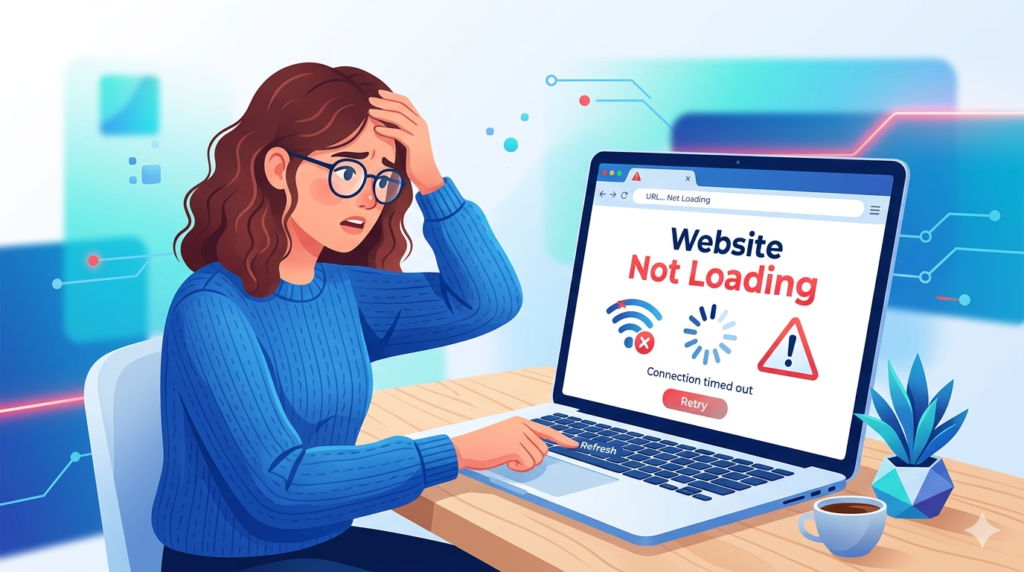
Many people use websites every day for work, shopping, and communication. But sometimes, you may face a common problem. A page does not open. The browser shows an error. This issue is called website not loading.
This problem can happen on any device. It can happen on a phone or a computer. It can also happen on any browser.
The good news is simple. Most website not opening problems have easy fixes. You do not need advanced skills to solve them.
This guide explains the main causes and shows how to fix them quickly.
Why a Website Does Not Load
Many factors can stop a website from loading.
Common causes include:
- Weak internet connection
- Browser problems
- Server issues
- DNS errors
- Cache problems
Companies like Google explain that browser and network issues are the most common reasons for loading errors.
You can read more here:
7 Quick Fixes That Work
Follow these steps to solve website not loading issues.
1 Check Your Internet Connection
A weak or unstable connection is a common cause.
Try these steps:
- Turn Wi-Fi off and on
- Switch to mobile data
- Restart your router
If your internet is stable, the website should load.
2 Refresh the Page
Sometimes the page fails to load on the first try.
Press F5 or click the refresh button.
This simple step often solves website not opening problems.
3 Clear Browser Cache
Browsers store old data to load websites faster.
However, this data can become outdated.
To fix this:
- Open browser settings
- Clear cache and cookies
- Restart the browser
Clearing cache helps load the latest version of the website.
4 Try Another Browser
The problem may come from your browser.
Try opening the website in another browser.
For example:
- Google Chrome
- Mozilla Firefox
If the site works in another browser, the issue is browser-related.
5 Disable Extensions
Browser extensions can block websites.
Some extensions may stop scripts or ads.
To fix this:
- Disable all extensions
- Restart the browser
- Open the website again
If the site loads, enable extensions one by one to find the problem.
6 Check DNS Settings
DNS helps your device find websites.
If DNS fails, the site will not load.
You can fix this by using a public DNS service like:
- **Google DNS (8.8.8.8)
Changing DNS settings often solves loading issues.
7 Check If the Website Is Down
Sometimes the problem is not from you.
The website server may be down.
You can use tools like:
- Down For Everyone Or Just Me
If the site is down, you must wait until it comes back online.
Common Error Messages Explained
When a website not loading issue happens, you may see error messages.
Examples include:
- This site can’t be reached
- DNS error
- Server not found
- Connection timed out
These messages help identify the cause of the problem.
When the Problem Is Not Your Device
Sometimes the issue is from the website server.
Servers may fail due to:
- High traffic
- Maintenance
- Technical errors
If many users report the same issue, the problem is not from your side.
Related Online Problems
Website issues often connect to other online problems.
For example, payment pages may fail if the website does not load correctly.
You can read this guide for payment issues:
👉 Online Payment Failed: 9 Common Causes and Powerful Fixes
Understanding these problems helps you fix errors faster.
Tips to Avoid Website Loading Problems
You can reduce website not opening issues by following simple steps.
✔ Keep your browser updated
✔ Use a stable internet connection
✔ Clear cache regularly
✔ Avoid too many extensions
✔ Use trusted DNS services
These steps help your device load websites smoothly.
Final Thoughts
A website not loading problem can feel annoying, especially when you need quick access to information.
The solution is usually simple.
Check your internet. Refresh the page. Clear cache. Try another browser.
Most website not opening issues can be fixed in minutes with these steps.
If the problem continues, the website may be down. In that case, waiting is the only solution.