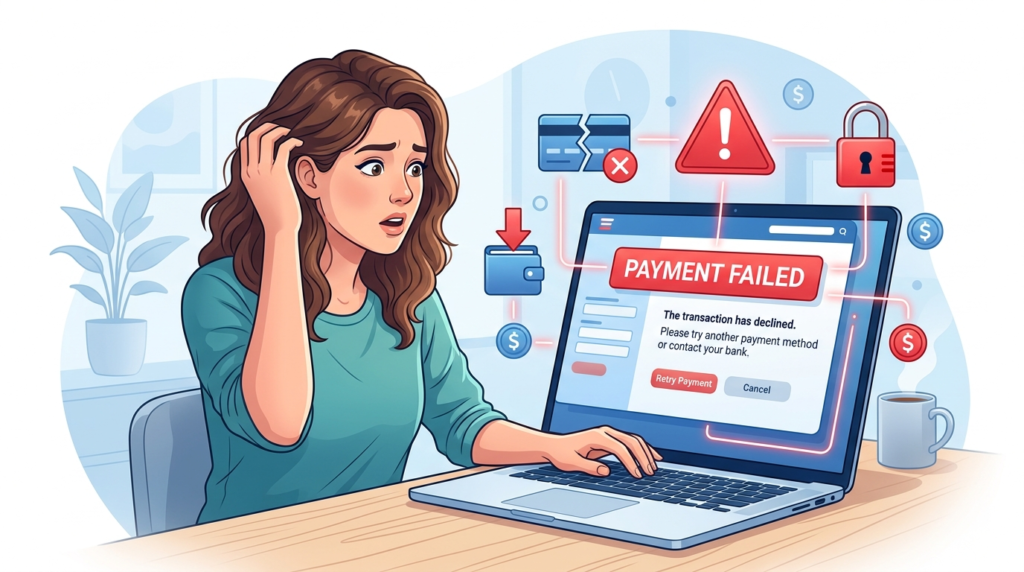
Many people shop and pay online every day. Online payments are fast and simple. However, sometimes users face a frustrating problem. The system shows online payment failed or payment declined online.
This problem can happen on many platforms. It can happen on shopping sites, apps, or payment services.
The good news is simple. Most payment failures happen for clear reasons. These problems are easy to fix once you know the cause.
This guide explains the most common causes and the best ways to solve them.
Why Online Payments Fail
Online payment systems check many details before approving a transaction.
These checks include:
- Card details
- Account balance
- Security checks
- Bank approval
If one step fails, the payment will not go through.
Platforms like Visa and Mastercard use strict systems to protect users.
You can read more about payment security here:
Many users face online payment failed errors during busy times such as sales or promotions. High traffic can slow down payment systems and cause temporary failures. In some cases, banks also increase security checks during these periods. This can lead to more payment declined online messages even if your details are correct. Waiting a few minutes and trying again often solves the problem quickly and safely.
9 Common Causes and Powerful Fixes
Here are the most common reasons for online payment failed and how to fix them.
1 Incorrect Card Details
Entering wrong card information is the most common problem.
This includes:
- Card number
- Expiry date
- CVV code
Fix
Check your card details carefully and try again.
2 Insufficient Balance
If your account does not have enough money, the payment will fail.
Fix
Check your balance before making a payment.
Add funds if needed.
3 Bank Blocking the Payment
Banks may block payments for security reasons.
This happens with:
- International payments
- Large amounts
- New websites
Fix
Contact your bank and confirm the payment.
4 Card Expired
Expired cards cannot process payments.
Fix
Use a valid card or update your payment method.
5 Wrong Billing Address
Some websites require the billing address to match the card details.
Fix
Enter the correct billing address linked to your card.
6 Payment Gateway Error
Sometimes the problem is not from you.
The website payment system may have issues.
Fix
Wait a few minutes and try again later.
7 Internet Connection Problems
A weak internet connection can interrupt the payment process.
Fix
Check your connection and try again.
8 Account Verification Required
Some platforms require identity verification before allowing payments.
This is common in digital wallets.
For example, PayPal users may face this issue.
👉 PayPal Verification Required? 7 powerful ways to solve it quickly.
Completing verification often solves the problem.
9 Suspicious Activity Detection
If the system detects unusual activity, it may block the payment.
This includes:
- Multiple failed attempts
- New device login
- Unusual location
Fix
Wait and try again later or confirm your identity.
Difference Between Payment Failed and Payment Pending
Many users confuse these two terms.
Payment failed
The transaction did not go through.
Payment pending
The transaction is still processing.
Why Payment Security Is Important
Payment systems use security checks to protect users.
Without these checks, fraud risks increase.
Companies like Visa and Mastercard work to keep transactions safe.
These systems may sometimes block payments, but they protect your money.
Final Thoughts
Facing an online payment failed message can feel frustrating. It can stop your purchase or delay your transaction.
The solution is simple.
Check your card details. Confirm your balance. Verify your account. Contact your bank if needed.
Most payment declined online problems are easy to fix once you know the cause.
With the right steps, you can complete your payments without issues.